deck
By Anonymous
Normal Deck
0
$8.05
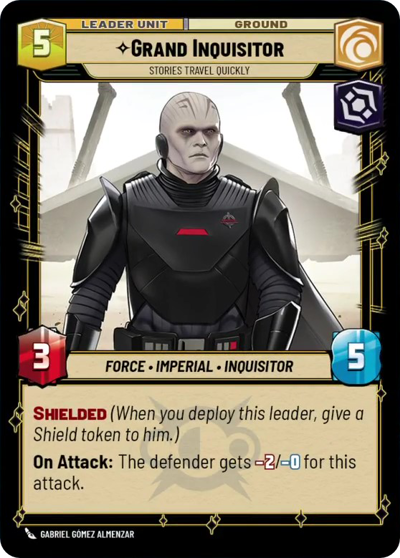)
Grand Inquisitor, Stories travel quickly
)
Fortress Vader
Decklist
Ground units (54)
3 x

Witch of the Mist1
1 x


Adept of Anger1
1 x
Mysterious Hermit2
1 x
Aurra Sing, Patient and Deadly2
2 x
Acolyte of the Beyond2
2 x
Loth-Cat2
1 x
X-34 Landspeeder2
2 x
Nihil Marauder3
2 x
Tusken Tracker3
3 x
Tuk'ata3
2 x
Shin Hati, Overeager Apprentice3
2 x
Hunting Nexu4
1 x
Wampa4
1 x
Life Wind Sage4
1 x
Sandtrooper Cavalry4
3 x
Thralls of the Coven5
1 x
Asajj Ventress, Harden your Heart5
1 x
Insurgent Saboteurs6
Space units (15)
2 x
Cartel Interceptor3
1 x
Hyena Bomber3
2 x
Blockade Runner5
1 x
The Legacy Run, Doomed Debris5
1 x
Corporate Light Cruiser6
Events (30)
1 x
Shien Flurry1
3 x
Unleash Rage1
1 x
Force Slow1
1 x
In the Shadows2
3 x
Tip the Scale2
1 x
Force Illusion2
1 x
Pounce2
1 x
Shoot Down2
1 x
Koiogran Turn3
3 x
The Will of the Force4
Upgrades (3)
1 x
Ascension Cable2
0 comments
You must be logged in to add comments.