DJ data vault v1

By Uruzhi

Normal Deck

0

$17.29

DJ, Need a lift?

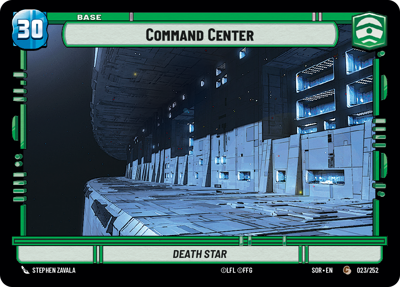
Command Center

Decklist


Try on ForceTable

Try on Karabast

Print Proxies

Export to TTS

Export to image

Ground units (24)

3 x
2
Gnk Power Droid
3 x
2
Favorable Delegate
3 x
3
Cikatro Vizago, Business Is What Matters
3 x
3
Rafa Martez, Shrewd Sister
3 x
4
Chancellor Palpatine, Wartime Chancellor
2 x
5
General Draven, Doing What Must Be Done
3 x
5
Cantina Bouncer
3 x
7
Synara San, Harboring A Secret

Space units (12)

2 x
1
Mining Guid TIE Fighter
3 x
2
Pirated Starfighter
3 x
3
Taylander Shuttle
3 x
4
Libertine, Under New Ownership

Events (15)

3 x
1
Timely Intervention
3 x
2
Sneak Attack
2 x
3
Charged With Corruption
2 x
3
Outmaneuver
3 x
6
Final Showdown

Upgrades (3)

3 x
2
Legal Authority

0 comments

You must be logged in to add comments.

Print Proxies

Here you can choose the format that the proxies should be printed in. Make sure to support your local game store!

Export to TTS

There are multiple ways to export to TTS. Here, we'll explain how they work and how you can use them.

1. Import as TTS object.

Download the JSON file using the following button. Place this file in your TTS Saved Objects folder. After this, you'll be able to spawn your deck in the Components UI.

Download saved object

2. Import within SWU mod.

Within some of the Star Wars Unlimited mods on TTS, you are able to import a deck by using the Deck Builder. You can import your deck by clicking on the buttom below to copy your json and then paste it in the Deck Builder to spawn your deck.

Copy to clipboard