I’m a big deal in the resistance
By christophersveum
Normal Deck
0
$29.20
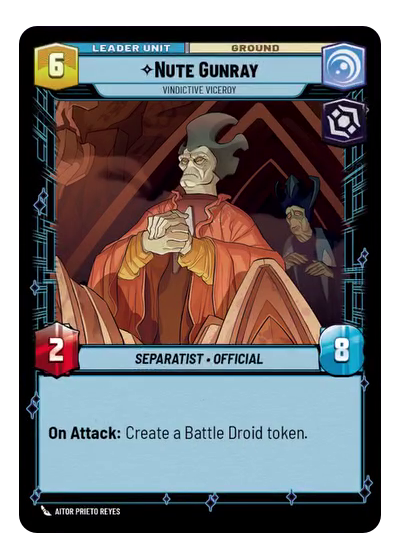)
Nute Gunray, Vindictive Viceroy
)
Lair of Grievous
Decklist
Ground units (48)
2 x

Compassionate Senator1
3 x

Vanguard Infantry1
3 x

Corrupt Politician1
2 x
Supreme Council Aide1
3 x
Poggle the Lesser, Archduke of the Stalgasin Hive2
2 x
Jar Jar Binks, Mesa Propose...2
2 x
Wartime Trade Official2
2 x
Director Krennic, On the Verge of Greatness2
3 x
Nute Gunray, Escaping Justice3
2 x
General Grievous, Trophy Collector3
2 x
Chancellor Palpatine, I Am The Senate3
1 x
The Client, Dictated by Discretion3
2 x
Cobb Vanth, The Marshal3
2 x
Mas Amedda, Accomplice To Power4
1 x
Gideon Hask, Ruthless Loyalist5
1 x
Supreme Leader Snoke, Shadow Ruler8
Space units (3)
1 x
Avenger, Hunting Star Destroyer9
Events (24)
1 x
Emergency Powers1
3 x
Covert Strength1
3 x
Budget Scheming2
3 x
Power of the Dark Side3
1 x
Takedown4
1 x
Vanquish5
1 x
Rival's Fall6
3 x
The Invasion of Christophsis15
0 comments
You must be logged in to add comments.