Sabe

By odritt

Normal Deck

0

$19.40

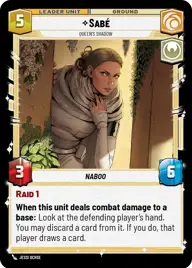
Sabé, Queen's shadow

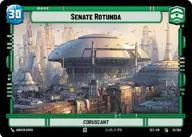
Senate Rotunda

Decklist


Try on ForceTable

Try on Karabast

Print Proxies

Export to TTS

Export to image

Ground units (33)

3 x
2
Theed Security
2 x
2
Bail Organa, Responding To Catastrophe
2 x
2
Mina Bonteri, Stop This War
2 x
2
Jar Jar Binks, Mesa Propose...
3 x
3
Obi-Wan Kenobi, Protective Padawan
2 x
4
Obi-Wan Kenobi, Finding What Doesn't Exist
3 x
4
Captain Typho, All Necessary Precautions
1 x
4
Ahsoka Tano, Chasing Whispers
1 x
5
Queen Amidala, Championing Her People
3 x
6
Naboo Security Force
2 x
7
Kelleran Beq, The Sabered Hand

Space units (21)

3 x
2
Bravo Squadron Fighter
2 x
2
N-1 Starfighter
3 x
4
Nubian Star Skiff
1 x
4
Naboo Royal Starship, Fit For A Queen
1 x
5
Lightmaker, I Have An Idea
3 x
5
Consular's Cruiser
2 x
6
Crucible, Centuries Of Wisdom

Events (15)

1 x
2
Sneak Attack
3 x
2
Faith In Your Friends
2 x
3
Undercover Operation
2 x
3
With Thunderous Applause
2 x
4
Grassroots Resistance

Upgrades (3)

1 x
1
Stolen Starpath Unit

0 comments

You must be logged in to add comments.

Print Proxies

Here you can choose the format that the proxies should be printed in. Make sure to support your local game store!

Export to TTS

There are multiple ways to export to TTS. Here, we'll explain how they work and how you can use them.

1. Import as TTS object.

Download the JSON file using the following button. Place this file in your TTS Saved Objects folder. After this, you'll be able to spawn your deck in the Components UI.

Download saved object

2. Import within SWU mod.

Within some of the Star Wars Unlimited mods on TTS, you are able to import a deck by using the Deck Builder. You can import your deck by clicking on the buttom below to copy your json and then paste it in the Deck Builder to spawn your deck.

Copy to clipboard